 MATEO ZAPATA

Users
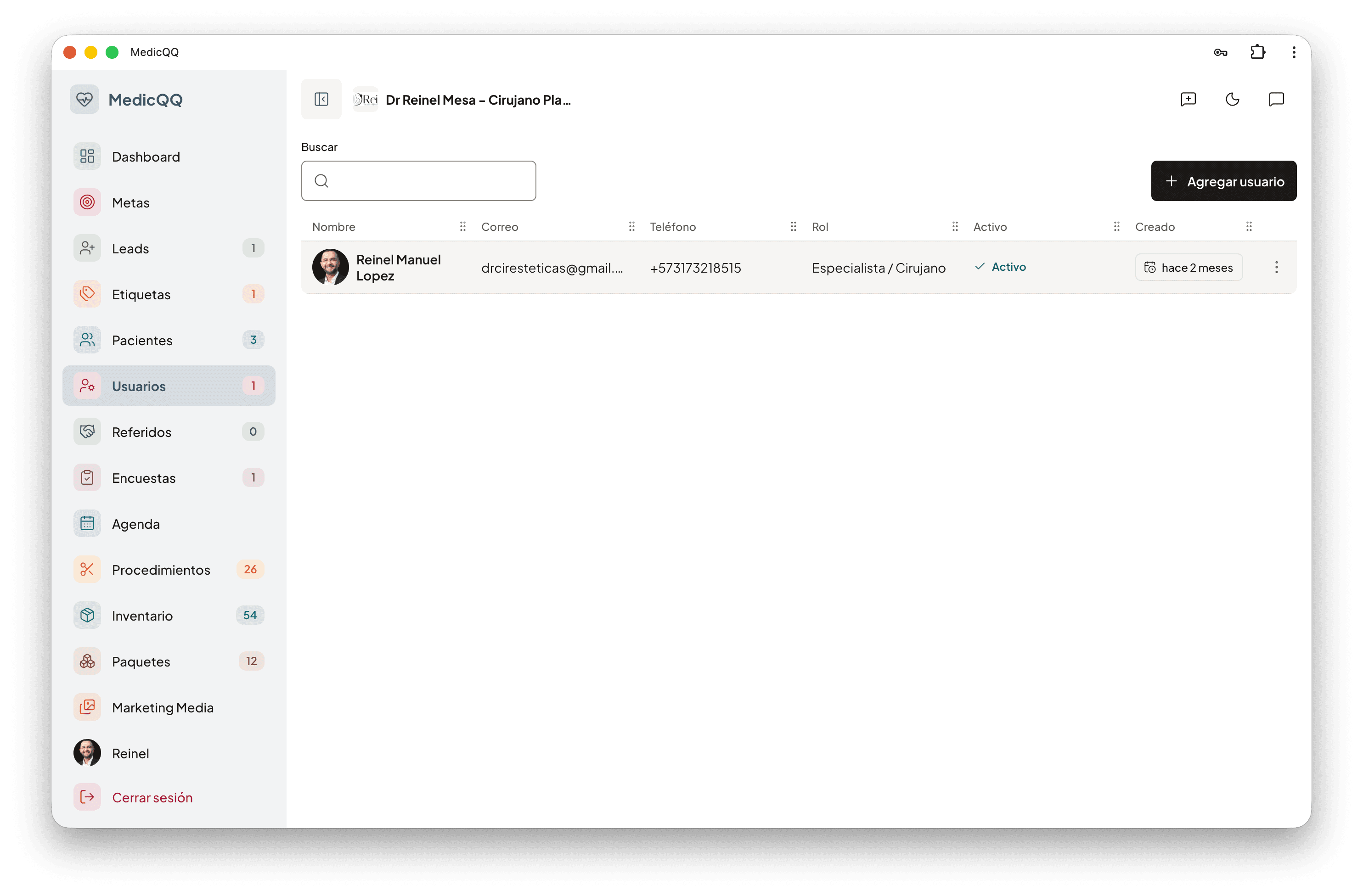
The clinic registers its own people. Each person belongs to one company, the email is unique inside it, and the record keeps name, phone, date of birth, and photo. The name on an assessment or a quote is the person who has the session open.
The record
Each person belongs to one company. The clinic creates the account. The email is unique inside that company, regardless of case. The record carries name, phone, date of birth, and photo. The password is stored hashed and never leaves in a response: the list and the profile only say whether there is a photo.
Three roles
The catalog ships SuperAdmin, Admin, and Doctor. All three run the clinic: patients, quotes, cash, dashboard. Admin and SuperAdmin also manage everyone else’s access. The physician directory lists only active Doctors, and that is where the names the rest of the system attributes come from. When someone creates an assessment or a quote, the doctor on the document is the person with the open session.
One’s own account
Each person edits their name, email, phone, and date of birth. The role is not changed from the profile. One’s own photo uploads as jpeg, png, webp, or gif, up to 5 MB, and replacing it deletes the previous file. Changing the password requires the current one, a confirmation, and a different key: at least eight characters, with uppercase, lowercase, a number, and a symbol. Changing it closes every open session.
Who can cut access
An administrator resets another person’s password and, in the same act, invalidates their sessions. They can also activate or deactivate the account. An inactive account cannot sign in and cannot refresh the token. Deactivating it closes the sessions it already had. Nobody resets their own password or cuts their own access that way: one’s own key is the change that asks for the current password. Deleting is a soft delete and removes the person from the tray. Nobody deletes themselves. An Admin does not reset, deactivate, or delete a SuperAdmin. The tray searches by name, email, or phone, without stumbling on accents, and sorts by the most recent. The dashboard census counts those who remain in the company.