 MATEO ZAPATA

Tags
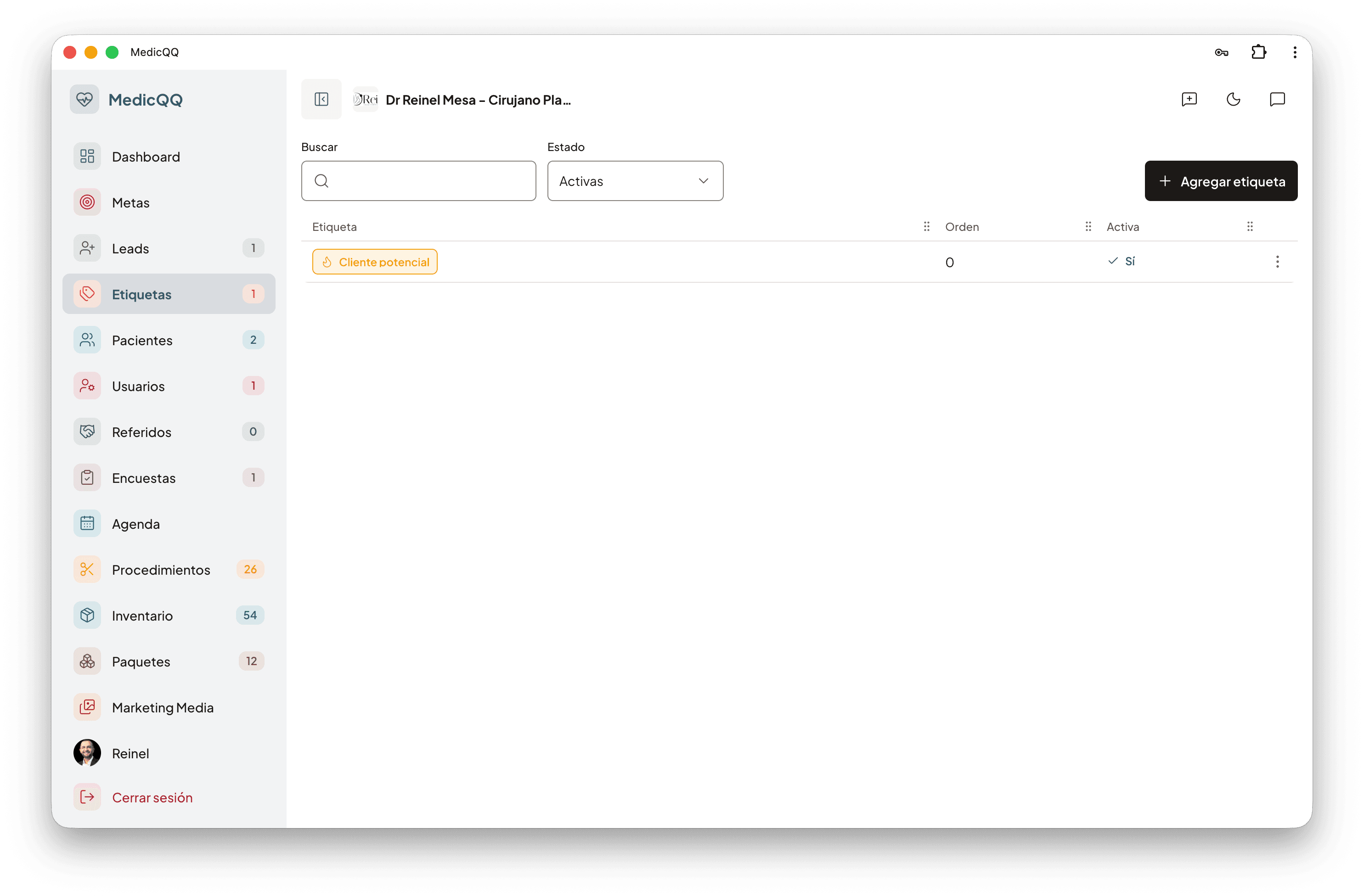
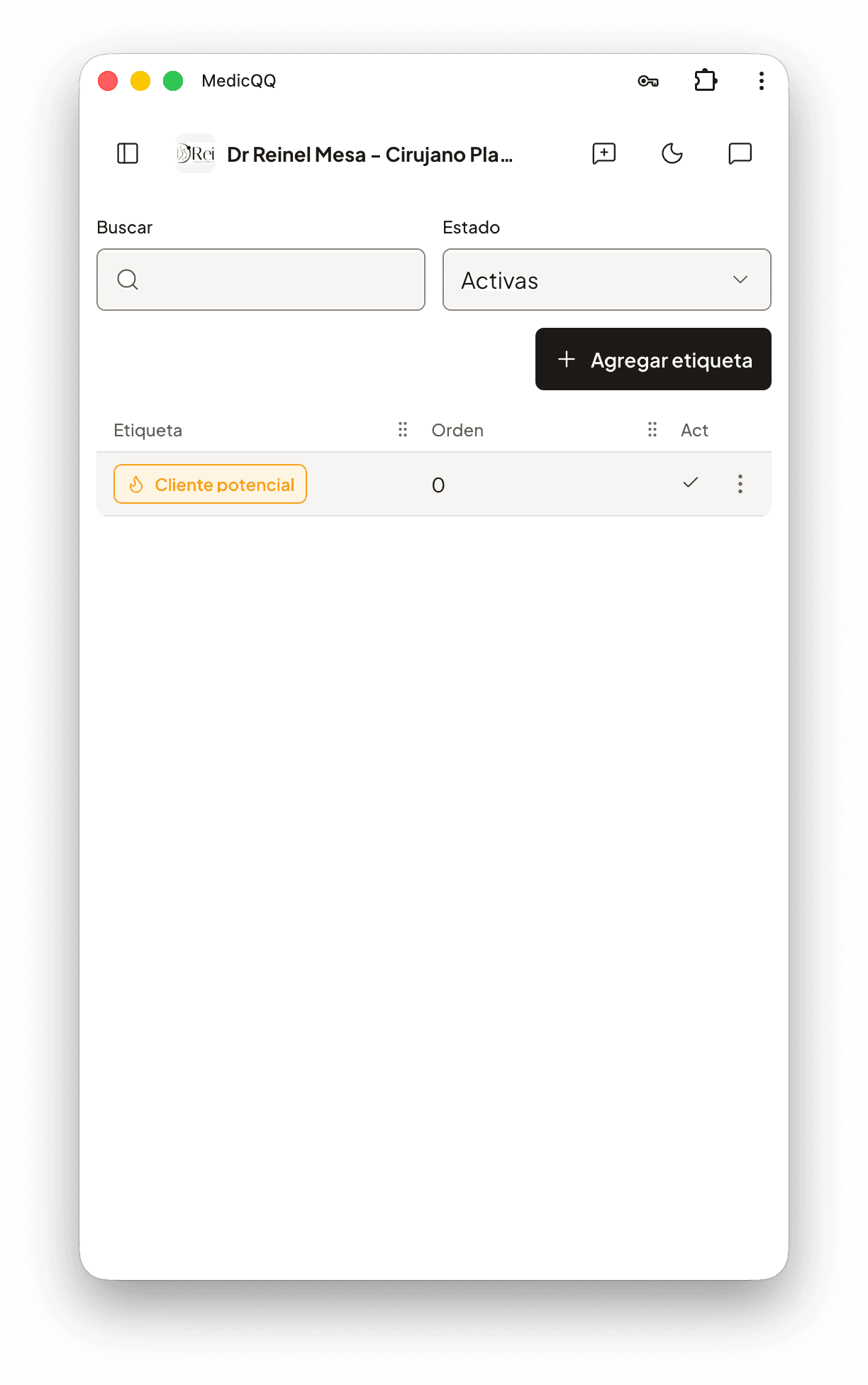
A coordinator does not search for “rhinoplasty in March” inside a paragraph. She marks it. The module is the catalog of those marks: each tag has a name, a color, and an icon, lives only in that clinic, and can be ordered. “VIP”, “traveling in March”, or “waiting on a partner” look the same in the leads tray, on the patient record, and beside a contact note.
The catalog
Each tag is an interface object, not loose text. The name is up to 80 characters and unique in the clinic regardless of case: “VIP” and “vip” are the same. The icon is a Lucide name, so the interface draws the same glyph on every screen. The color is a hex value or a palette token. An order defines how they list in the picker. Deleting a tag removes it from the active catalog. The name stays reserved and records that already had it keep it, so history does not split into two identical tags or get wiped from old cases. To assign it again, reactivate it. The dashboard census counts only active tags.
Where they stick
The same tag is assigned to three things. To a lead, while it is still open: a converted lead does not accept changes, because its commercial history is closed. To a patient, in the list and on the record. To a contact note, to mark the message and not the person: “asked for a price”, “traveling with a companion”, “call on Friday”. Assigning replaces the full set. Removing one tag does not touch the others. Only active tags from the same clinic can be stuck on.
The handoff
When the lead converts, its tags are copied to the patient. If the patient already had some, they are kept. Notes travel with theirs, because the note and the person are tagged separately. What the team marked in the first conversation is still visible on surgery day. The clinic assistant also reads that catalog: a question like who is marked as traveling in March is answered against the same tags the staff sees, not against a free-text search.