 MATEO ZAPATA

Surveys
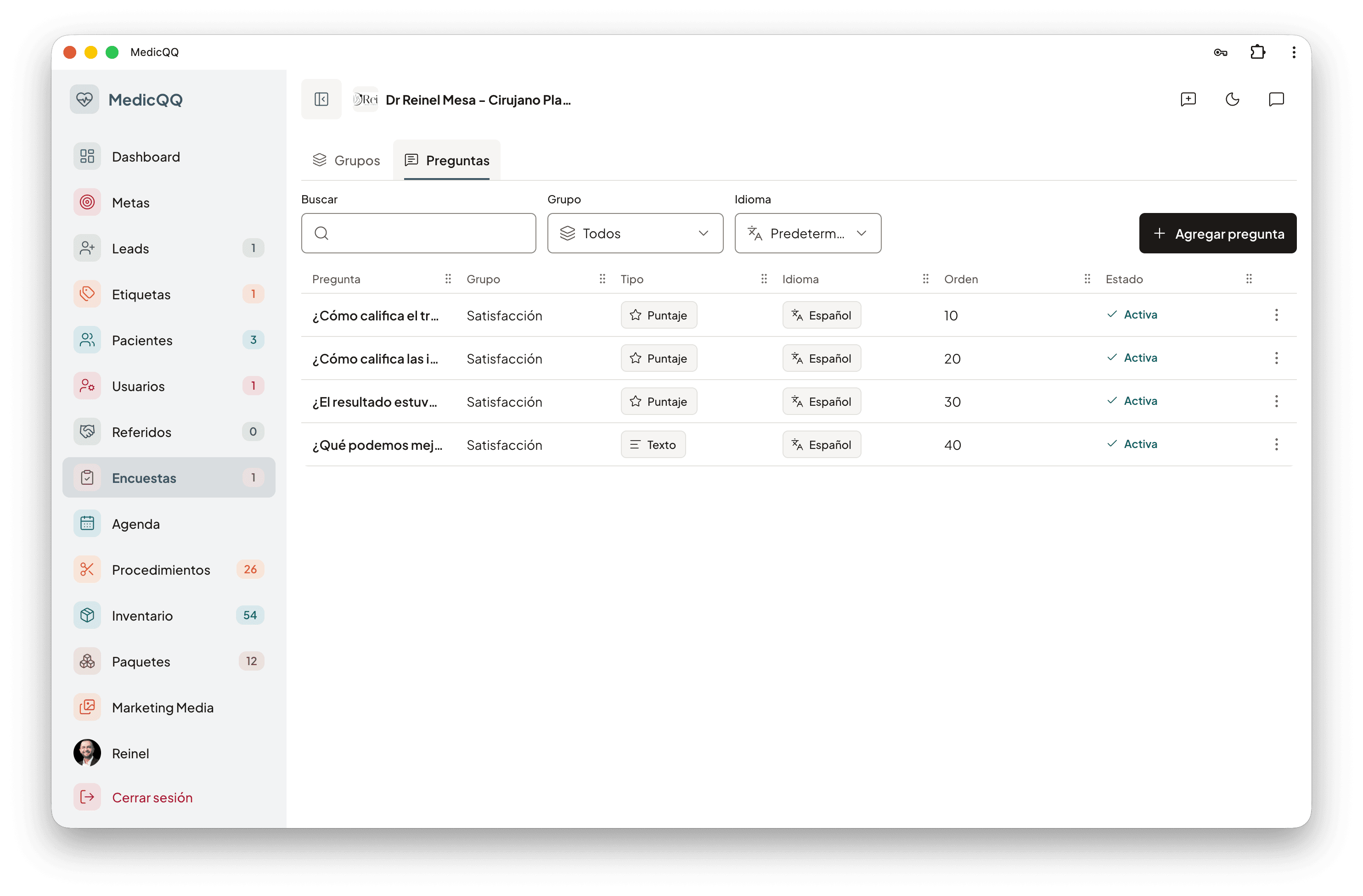
Each clinic builds its own groups. A group has a name, a source language, and an order. Each question is a score from 1 to 5 or free text, and it can be turned off without deleting the group. The first time, the clinic receives a group called Satisfaction with four questions: the doctor’s manner, the facilities, whether the result met expectations, and what can be improved.
The language
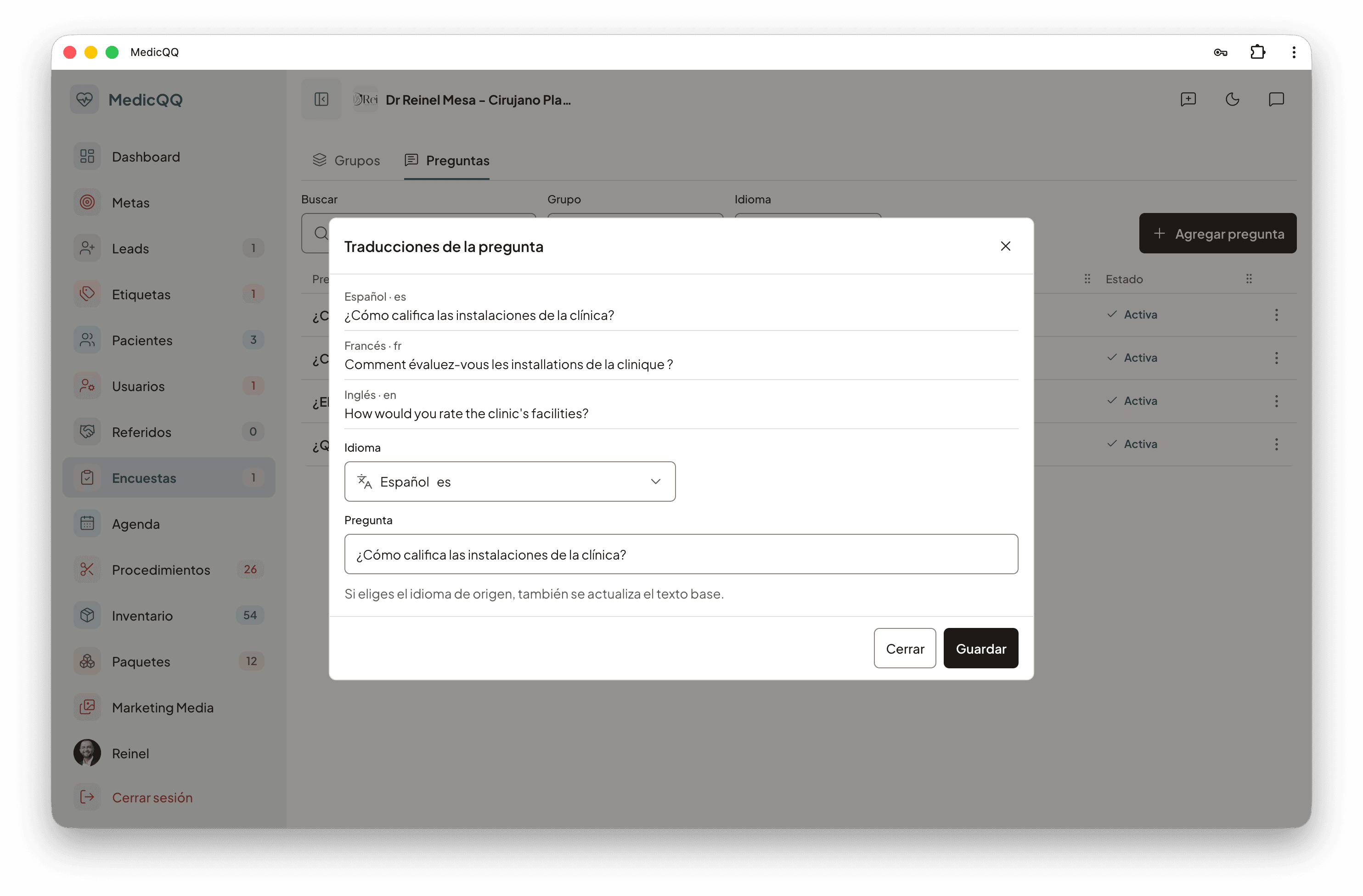
The group and each question are translated into the clinic’s languages. The translation can be written by hand or asked of the model, which starts from the source language and returns the rest. Translating the group also translates its questions. If the version in the original language is corrected, the source text is updated with it. On send, the language is the preferred one on the patient record. If there is none, the group’s is used. Each question goes out in its translation and, if that translation does not exist yet, in the original text. What the patient sees is copied into the survey: changing the question bank later does not change a survey already sent.
The email
An email on the record is required. The template is per language and uses the patient’s name, the clinic’s, and the survey link. The team can rewrite subject and body, or ask the model for a draft with an instruction. The model does not invent the link: the system leaves the name, the clinic, and the real URL. The email goes out from the clinic sender and can carry the signature. If the send fails, the survey is not created. Whoever sends it remains the doctor of that response. The link is public, of the form /satisfaccion/ plus the identifier. The patient does not sign in.
The response
The survey is sent or answered. To close it, every question must be answered, once. A score goes from 1 to 5 and takes no comment. An open question requires text and takes no score. After answering, the link stops showing the questions and does not accept a second response. The tray filters by patient and by status. Those answers feed the dashboard: sent, answered, response rate, average from 1 to 5, and the ten doctors with the best score. The rate and the average — stored as a proportion of 5, so a 4 is 0.80 — can be set as the month’s goal.